Never run out of your prescription — MedReminder tells you when to call the doctor.
Free and open-source Windows app. No account, no subscription. Your data stays on your PC.
Windows installer · nothing else to install · about 63 MB
View on GitHub (opens in a new tab)
MedReminder is an organizational reminder, not a medical device. Every therapy decision must be made with your doctor.


What MedReminder does
Warned before you run out
MedReminder works out from your dose schedule when each medicine will run out and warns you days ahead, so you can call the doctor or go to the pharmacy in time.
Reminders at dose time
A Windows notification at each scheduled dose, and an email if you want one.
Your data stays on your PC
No account and no MedReminder server. Backups and sync leave your PC only encrypted.
For the whole family
One installation keeps separate profiles for several people, and a caregiver can receive a copy of the reminders by email.
Ready for the doctor
Print a summary of your current medicines, or prepare a prescription request that you send yourself.
How it works
Add your medicines
Enter each medicine once, with the current stock and the dose schedule. You can also fill it in by scanning the package barcode.
Set your warning threshold
Choose how many days ahead MedReminder should warn you before you run out.
MedReminder notifies you in time
A Windows notification tells you when to call the doctor or the pharmacy.
Screenshots
Real screenshots of the app, filled with invented demo data. Select one to see it larger.
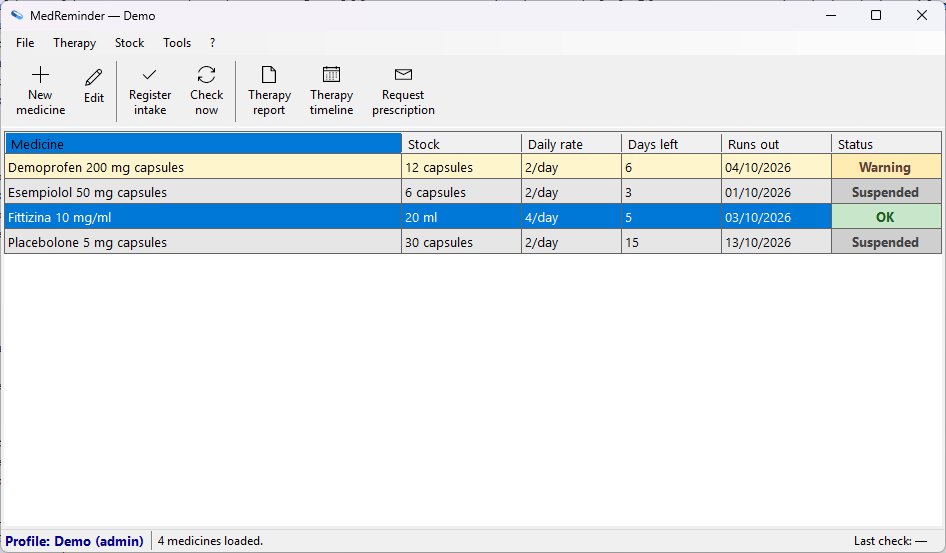
Medicine list 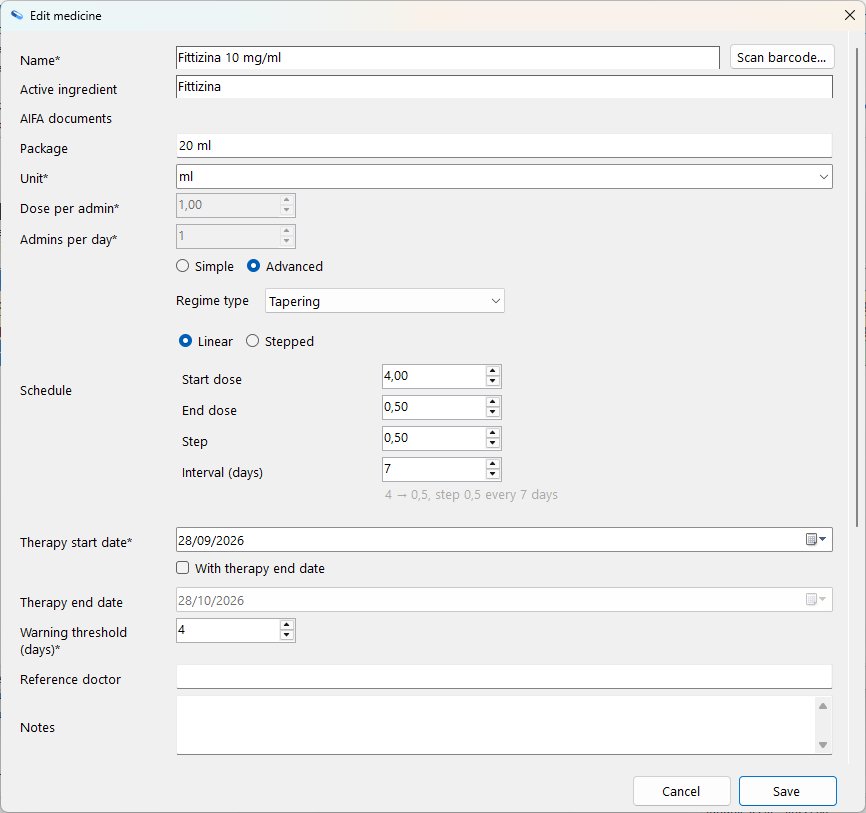
Edit a medicine 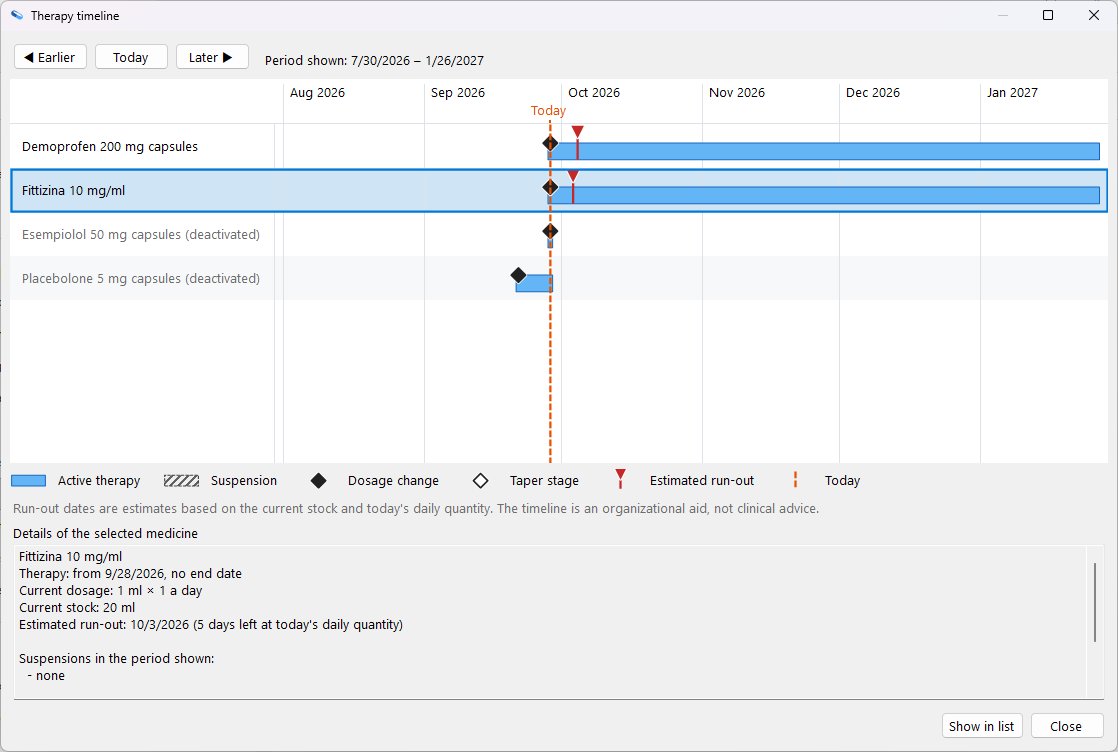
Therapy timeline 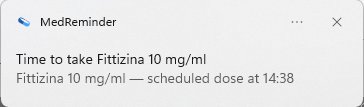
Dose reminder 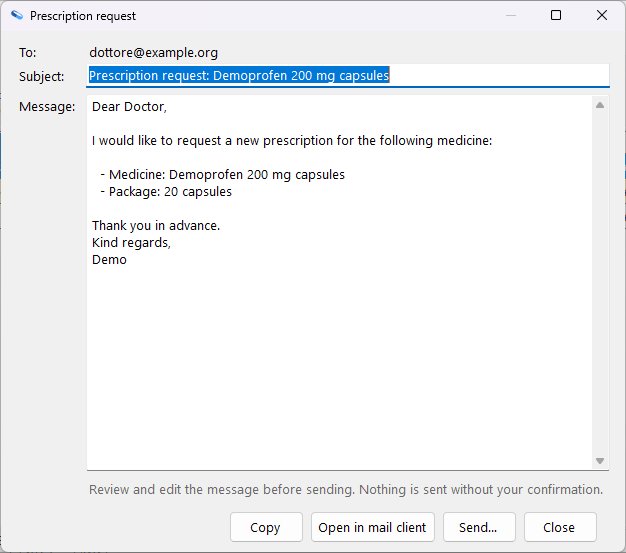
Prescription request 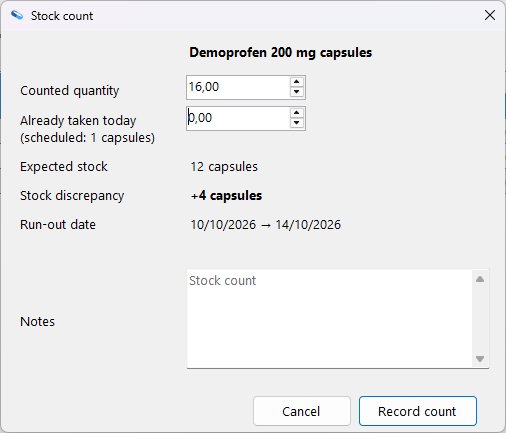
Stock count 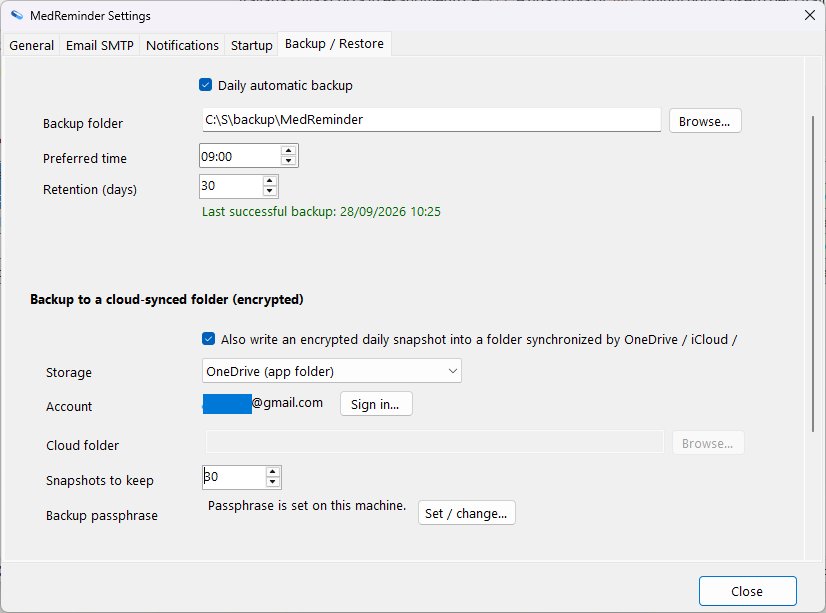
Backup 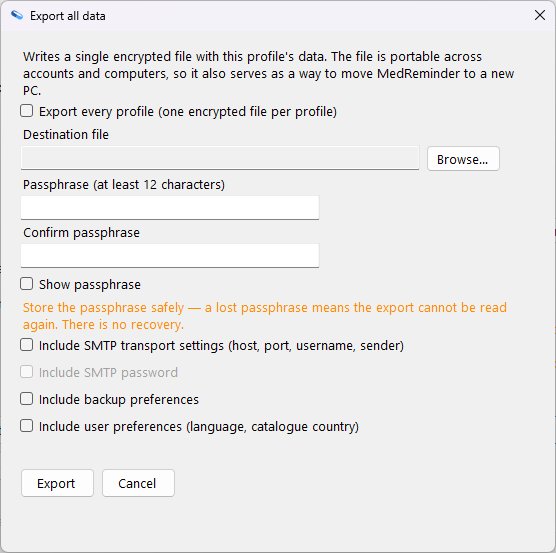
Encrypted export 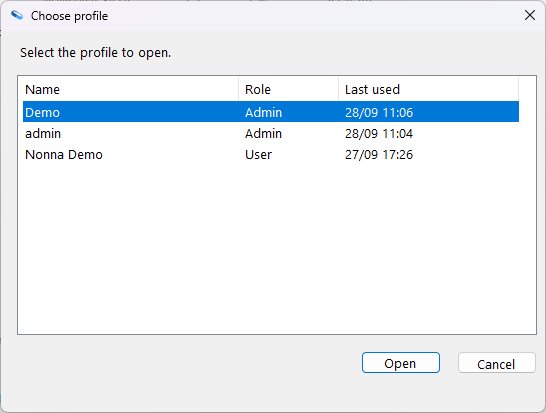
Profiles
System requirements
- Windows 10 (22H2 or later) or Windows 11, 64-bit.
- x64 architecture.
- The standard download (MSI installer) needs nothing else. The smaller ZIP and MSI among the other download options require the .NET 10 Desktop Runtime from Microsoft.
- Disk space: about 175 MB for the installed app; about 58 MB with the smaller packages.
- Internet connection only for optional features: email alerts, the update check and catalogue download (at startup and once a day), backups and sync through OneDrive or Google Drive, and the upload of cloud-folder backups by your own sync app.
Privacy
Your medicines stay on your device
The app keeps your data in a local database on your PC or phone. There is no account, and nothing about you or your medicines is sent to us.
Encrypted before it leaves
Cloud backup and sync are optional. Backups are encrypted on your device with a passphrase you choose, sync data is end-to-end encrypted, and there is no MedReminder server.
No cookies on this site
This website sets no cookies. Donations happen on the Stripe or PayPal page, so this site never sees your card details.
Frequently asked questions
Is MedReminder really free?
Yes. MedReminder is free forever under the Apache License 2.0. There is no subscription, no in-app purchase, and no "pro" tier.
Which Windows versions are supported?
Windows 10 22H2 and Windows 11, 64-bit. Older Windows versions are not supported.
Do I need a Microsoft account or internet connection?
No account. The internet is only needed for optional features: email alerts, the update check and catalogue download (at startup and once a day; one setting, can be turned off), backups and sync through OneDrive or Google Drive, and the upload of cloud-folder backups, which your own sync app performs.
Where is my data stored?
Only on your PC, in a local database in your Windows user folder. Nothing is uploaded to a server we control, because we do not run one. If you turn on a cloud backup or sync, only encrypted files go to your own OneDrive, Google Drive or shared folder.
Download
Windows installer · nothing else to install · about 63 MB
Version v2.15.0
After downloading
- Open the file you downloaded. It is in your Downloads folder.
- Follow the installer: accept the license and confirm the suggested folder.
- Start MedReminder from the Start menu.
Other download options
Licensed under the Apache License 2.0.
Support development
MedReminder is free forever. If it helps you, a small donation keeps development going.
Payment happens on the provider's page. This site never sees your card details and does not confirm payments.